Every line knows where it came from.
When a client asks what's behind an amount, you see it straight away: who, when and on what.
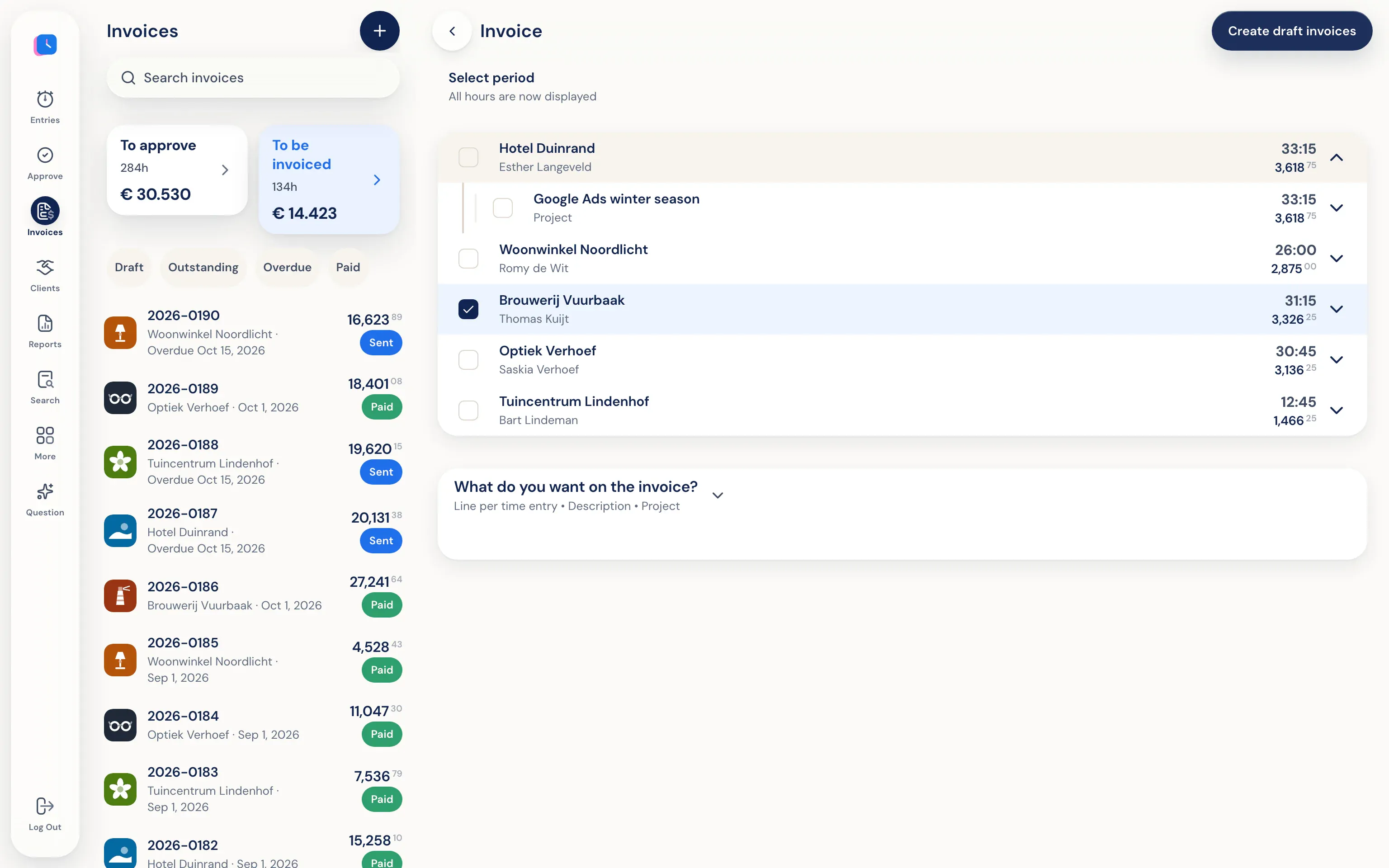
- Only approved hours
With approval switched on, only approved hours go on an invoice. Rejected hours, leave and drives never do.
- The right rate and VAT
Client, project or employee rates and reverse-charged VAT come along automatically.
- Send it your way
Send the invoice from Half5, or pass it on to your bookkeeping software.
From supplier invoice to sales lines.
For anyone who buys parts or materials and passes them on, such as installers, agricultural contractors and technicians. Works on iPhone, Android, web and desktop.
- Photos of the invoice
Photograph your supplier's invoice, with as many pages as it has. Half5 reads the lines: description, quantity, unit, price and VAT.
- Choose your margin
A percentage, or an amount per unit. You can adjust each line. You check everything before it goes on the invoice.
- On a draft invoice
The lines land at the sales price on a new invoice for your customer, or on a draft you already have open. The cost price is kept, so you see your profit.
Your bookkeeping stays where it is.
Half5 connects to the software you already use. Clients and invoices go there without entering anything twice.
 Moneybird
 Exact Online
 WeFact
 e-Boekhouden